Calendar Integration
Calendar Integration
Log in
Go to 'Settings'
Select Integrations
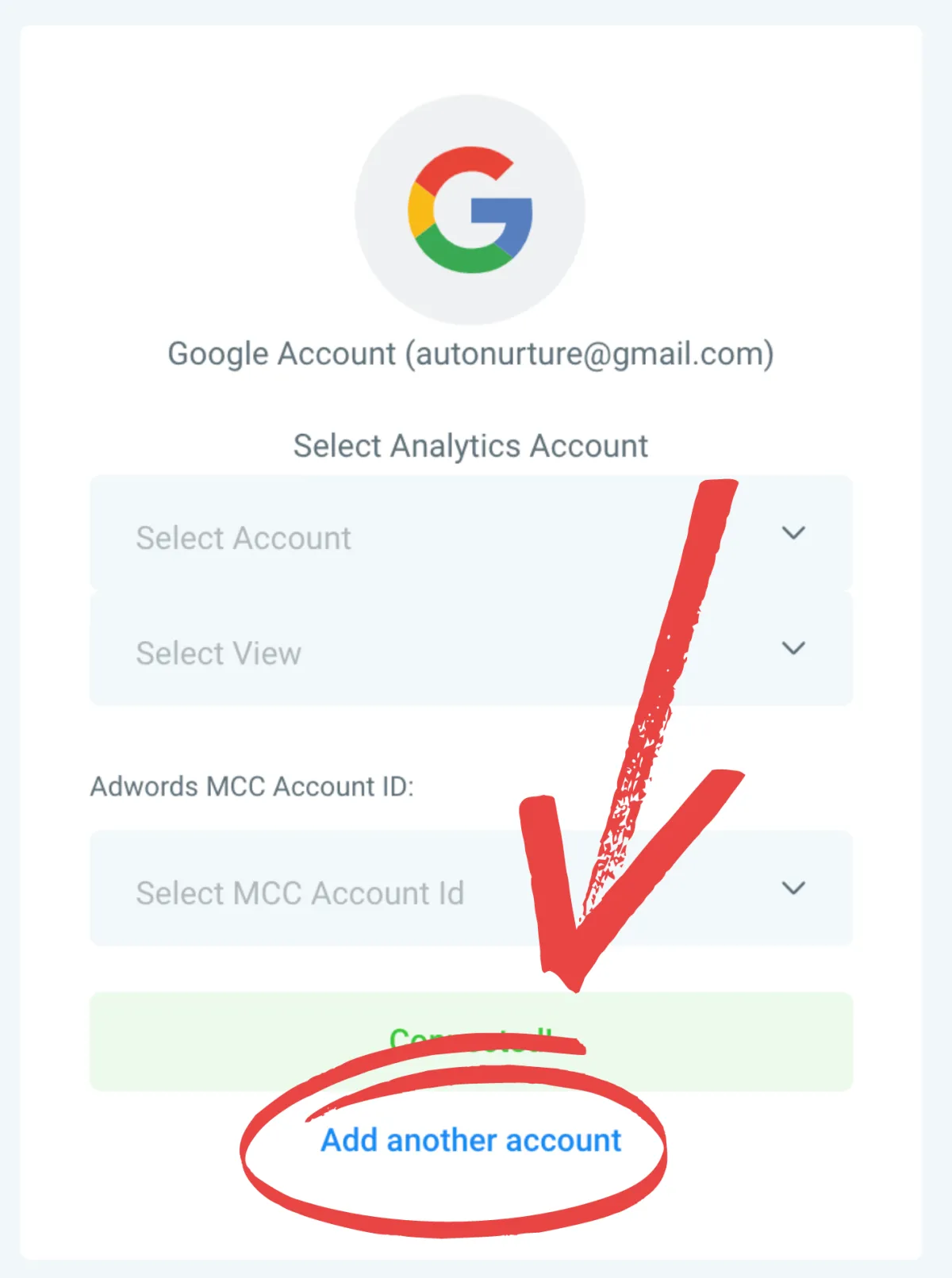
Connect your Google Account (must contain the calendar you are syncing)
Scroll Down to 'Calendar Configuration'
Go to 'Profile'
Add Your Calendar to Primary Calendar
Set Working Hours
Go to 'Settings'
Select 'Profile'
Scroll Down to 'User Availability' Section
Select Office Days + Hours
Click 'Update Availability'
Select Continue and then confirm
If Another User's Calendar Has Already Been Integrated
Click 'Add Another Account'