
How To Integrate Your Facebook Account
As you dive into using your new system, you will need to integrate your Facebook business page. Take a quick peak at the below instructions and come back to this lesson anytime you are ready to integrate.
Here is how to integrate your Facebook business page with Pet Biz Experts...
What you will need
Facebook Account
Step 1: Navigate to Settings > Integration > Facebook > Connect.
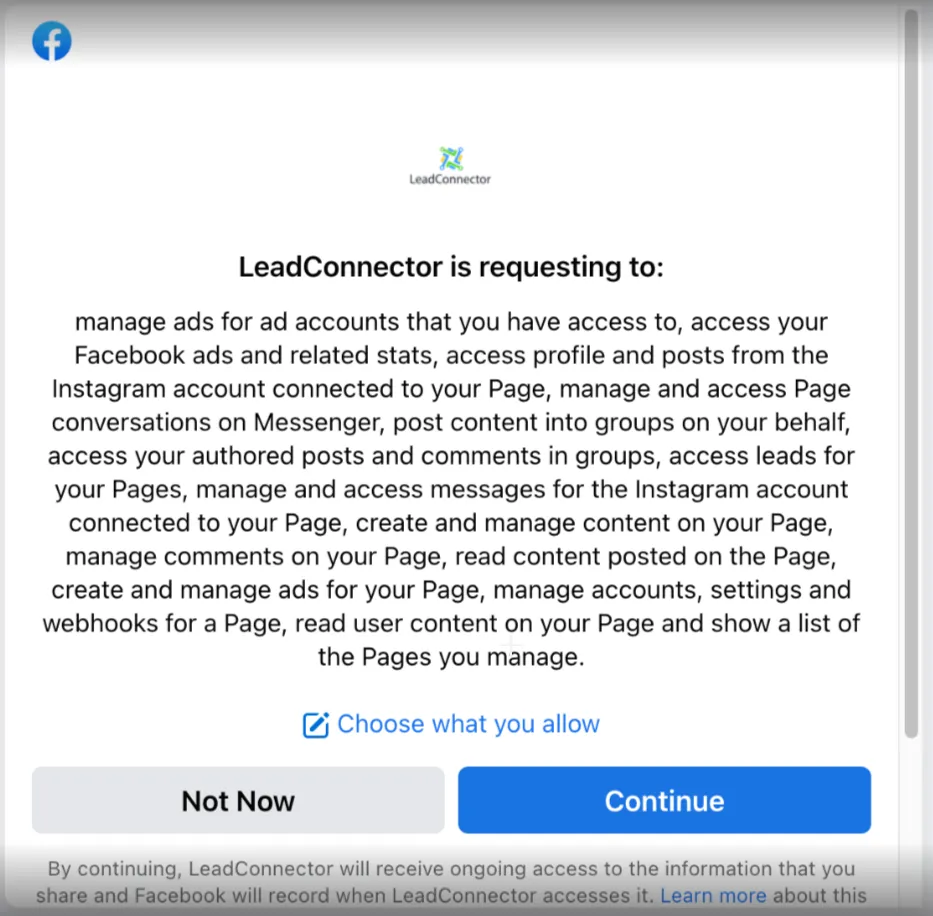
Follow the steps that pop up to allow Facebook permissions/access to connect your Facebook account.
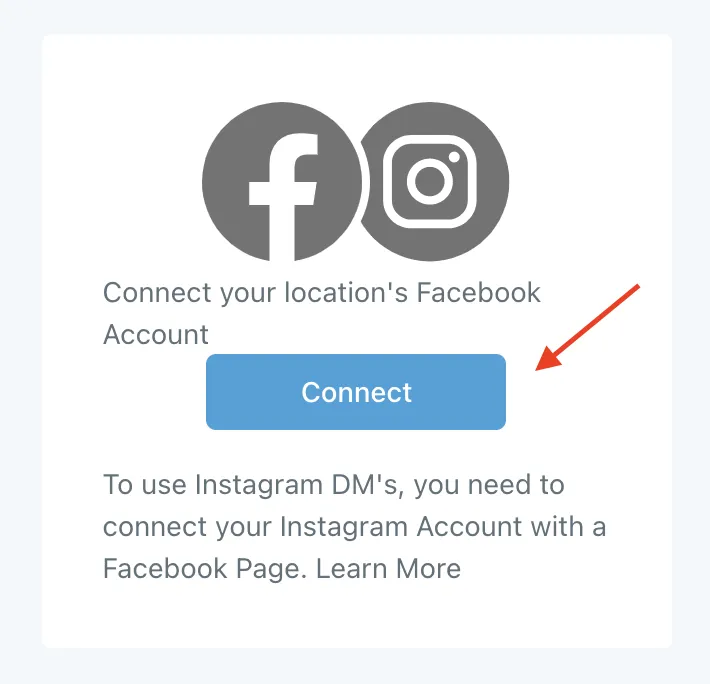
Note: You will only need to connect the credentials once, makes sure to allow all permissions and all pages during the request process.
Allow access
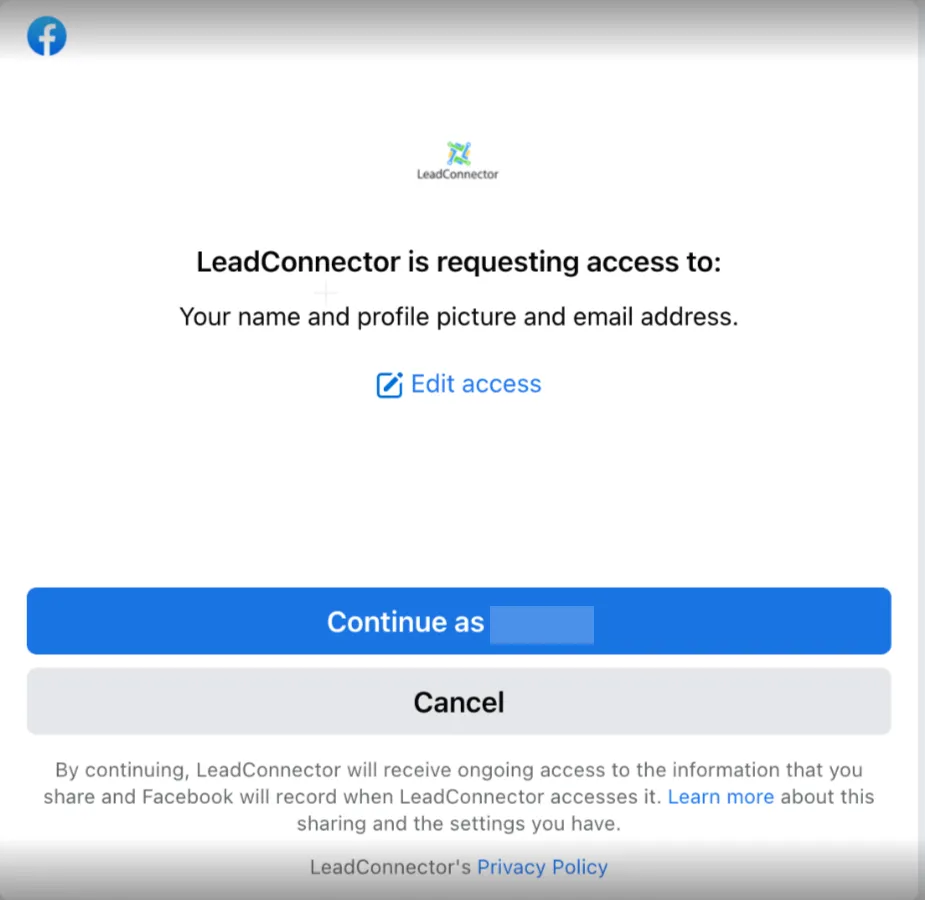
Allow all pages is defaulted and is recommended
Step 2: Send a test message to yourself, or let us know and we can help you test.