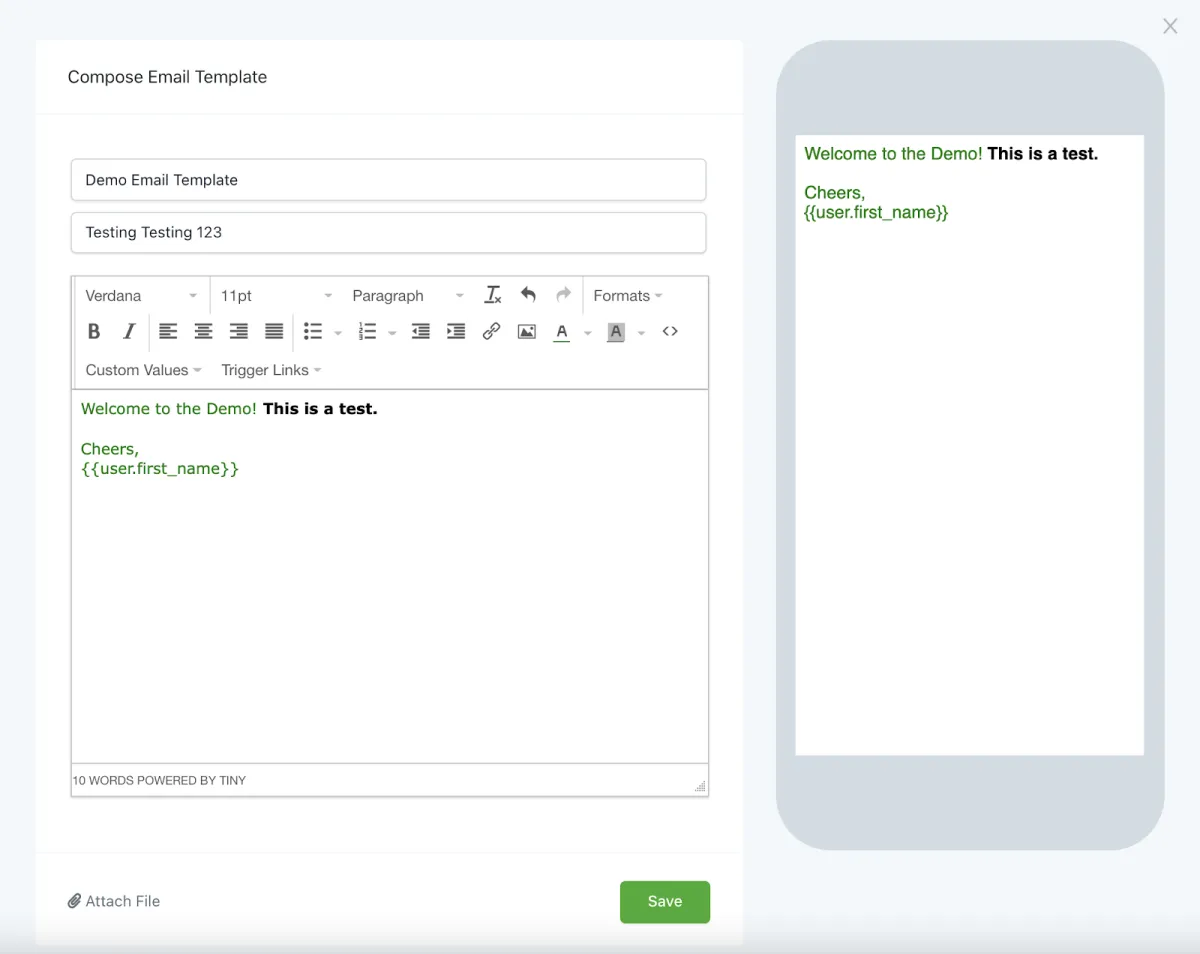
How to create SMS and Email Templates
SMS and Email Templates are saved draft template communications that you can directly add into your campaign events or one-time communications. This is useful if you often find yourself sending same or similar messages (and you don't want to utilize the Email Builder), as using the templates can save you time.
Step 1: How to Create an SMS or Email Template
Navigate to Email Marketing > Templates.
Add a Template
Choose SMS or Email Template.
Customize the template as you wish, and you'll see the preview on the right hand side of the screen.
Press "Save" to confirm your changes.